DeepL Connector
DeepL Translations is an advanced machine translation service. The connector will send your content to the DeepL service and return the content fully translated.
Installing
Before you install the DeepL connector you can check the current version on the NuGet page.
You can install the connector via the command line:
dotnet add package Jumoo.TranslationManager.Connector.DeepL
In order to use the DeepL connector you will need to configure a number of options.
Translation Config
These are the main settings for the DeepL connector. You will need to configure them in order to use it.
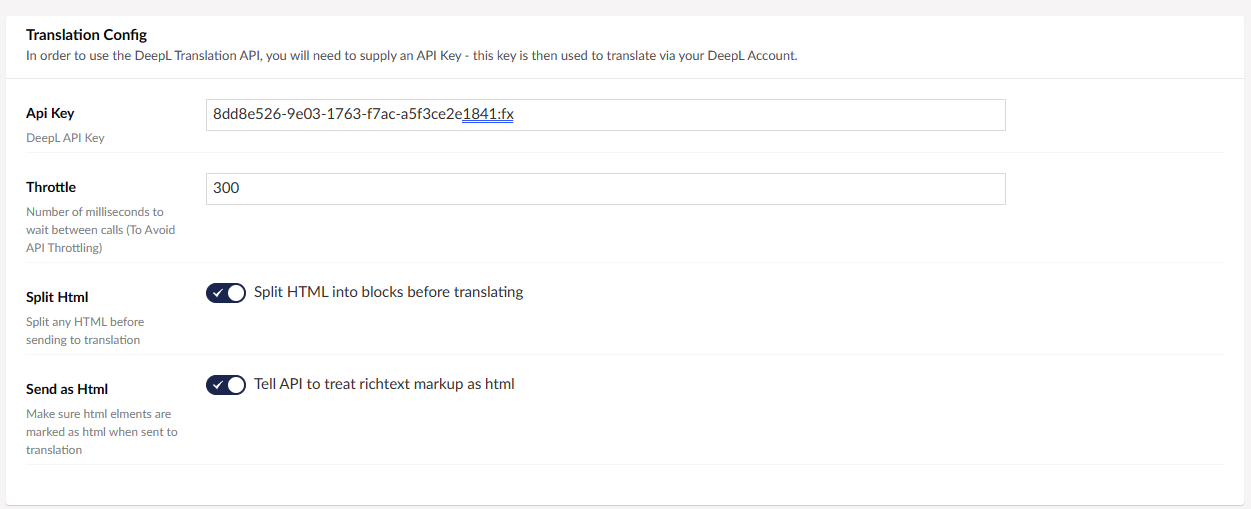
Use Free API
With DeepL you have the options of a free translator, or paid for versions with more benefits. With this option you can use the Free DeepL Translator's API. Information on DeepL's paid for plans is available here.
Split HTML
Split any HTML into blocks before sending to translation. This allows the translation to run more smoothly, with less chance of lost data.
Send as HTML
This will allow the API to treat richtext markup as HTML.
Advanced Settings
These are the advanced settings, for your more specific needs.
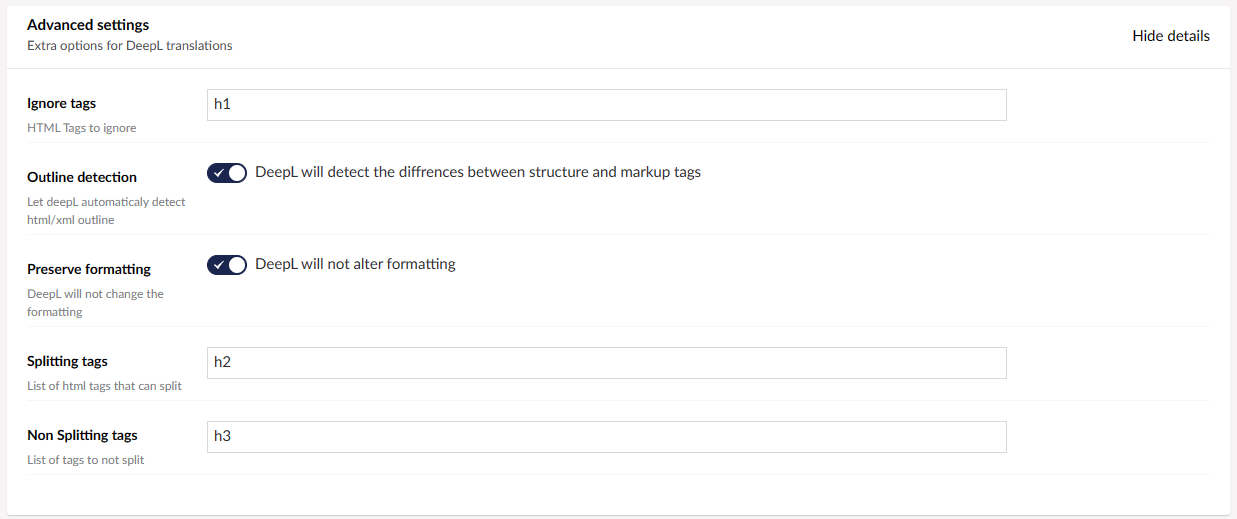
Ignore Tags
The HTML tags you want it to ignore.
Outline Detection
When enabled, DeepL will automatically detect a HTML or xml outline.
Preserve Formatting
When enabled, DeepL will not alter the formatting during Translation.
Splitting Tags
List of any HTML tags that can be split.
Non Splitting Tags
List of any HTML tags that cannot be split.
Glossaries
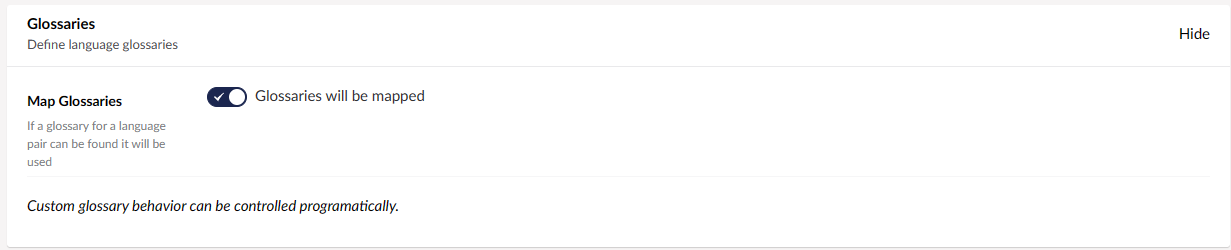
When enabled, if a glossary for a language pair found it will be used. More info on configuring glossary settings on our DeepL Glossaries page.
Language Mappings
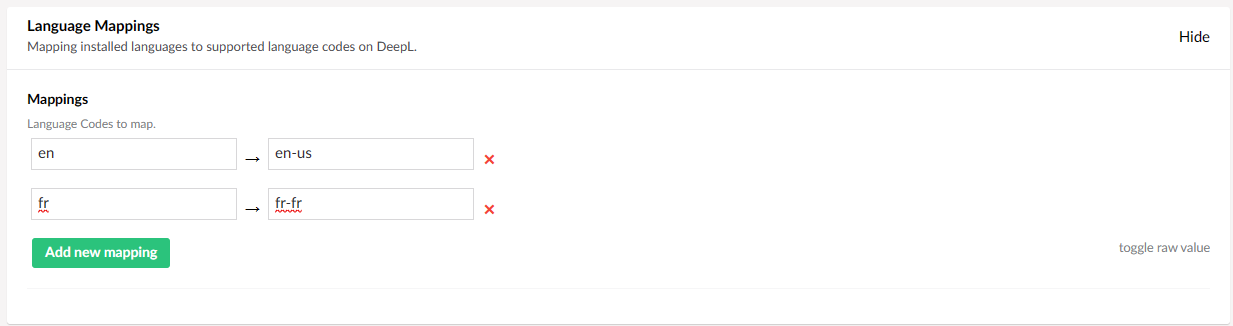
List of installed languages to map onto supported language codes on DeepL.